Log In As
Get Started FreeGet Started- Home /
- How to Change Your Chirp Password

- Head over to https://creator.chirp.me/
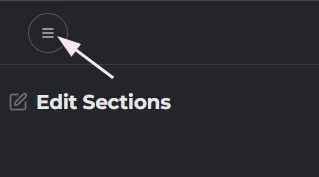
- Click the Menu icon towards the top-left corner of the page
- Find and click "Account" on the left-side navigation bar
- Scroll down to "Update Password" and click “Create New.” A dropdown will appear with tips on crafting a password that meets Chirp’s security standards.
- Next, hit “Save Changes.” Your password is now updated!