Log In As
Get Started FreeGet Started
TikTok link in bio is a central URL that works for you
Turn your TikTok bio into a gateway for all your content, stores, and profiles - fast, professional, and free. Set up a single smart link that leads to a customized Chirp page and make the most of every click: guide your audience where you want and earn at the same time through built-in ads.
By The Chirp Team
December 16, 2025
Why You Need a TikTok Link in Bio
On TikTok, placing each link in video descriptions or comments isn’t practical — that’s why the bio link is so powerful. A well-configured TikTok link in bio gives your followers quick access to your YouTube channel, online store, articles, or other profiles. If you use Chirp, you get additional benefits: the page is customizable, provides analytics, and (if eligible) displays ads that generate revenue — all without monthly fees.
How TikTok Link in Bio Works on Chirp
A user clicks the link you placed in your TikTok profile → your Chirp page opens with the buttons and content you prepared → as the visitor browses, discreet ads are displayed and you earn from those visits. The basic idea is simple: one link, full control over your content, plus passive income with no extra work.
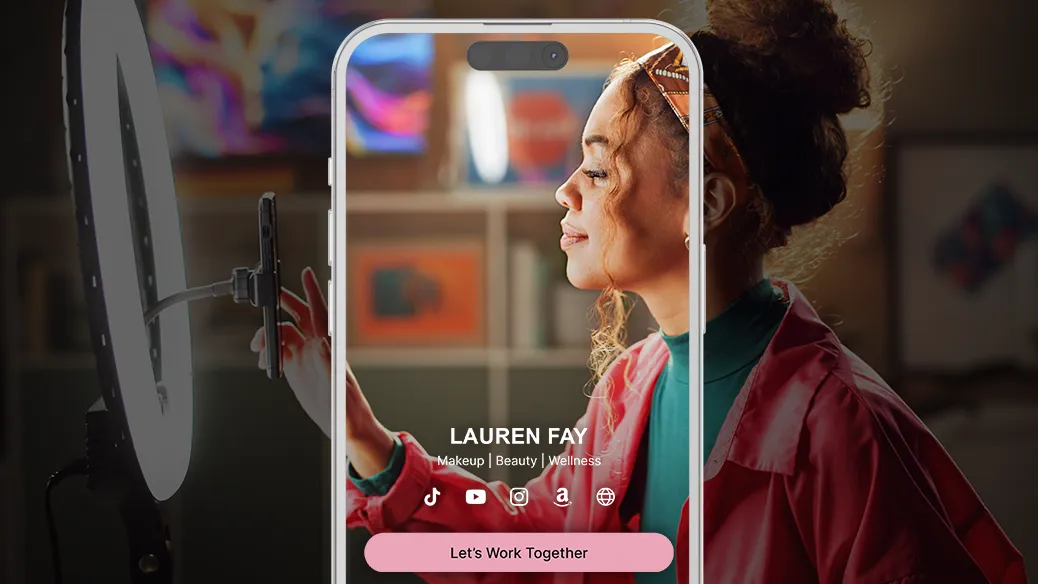
How to add TikTok link in bio
- Create a Chirp account - registration takes just a few minutes, and basic features are free.
- Build your page - add buttons for your shop, videos, contact, latest content, or any URL you want to promote.
- Customize the look - adjust the layout, headings, and CTA buttons to match your brand.
- Copy your unique Chirp link and paste it into TikTok - Profile → Edit Profile → Website (or in your short bio). That’s it - your TikTok link in bio is ready to promote.
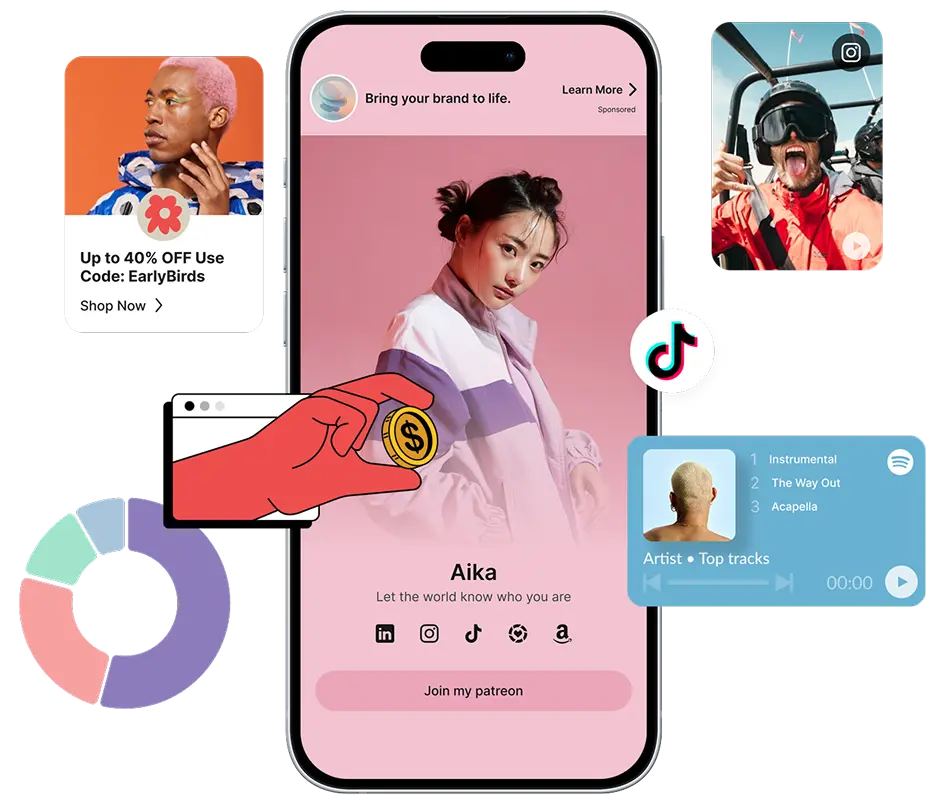
Ready to boost your earnings?
Creator, blogger, artist, doesn't matter. Drop your links, share your vibe, and tap into a new revenue stream.
TikTok what does link in bio mean?
“Link in bio” is a shorthand creators often use in posts when they want followers to click the link in their profile. On TikTok, it’s the only practical way to keep a single functional URL visible at all times - which is why this URL must lead to a page that best represents your content and goals. Chirp lets you make that one link as useful and conversion-friendly as possible.
TikTok link in bio for creator
If you’re a creator, use this link to:
- launch merch sales;
- direct your audience to an article or video you monetize;
- collect mailing lists or donations.
Chirp makes all of this easy by combining customization, analytics, and monetization without monthly fees - perfect for creators who want to earn from every click.
Frequently Asked Questions (FAQ)
How to add TikTok link in bio?
Create a Chirp profile, add your desired links, and customize your page. Copy your unique Chirp link and paste it into your TikTok profile (Edit Profile → Website or Bio). After that, every post can direct your audience to click the “link in bio.”
TikTok: what does link in bio mean?
It’s the link in your profile description that serves as a central hub where followers can find all relevant links to your content, stores, and other channels.
How to put instagram link in TikTok bio?
The best approach is to create a single Chirp page that includes your Instagram link - then place only that Chirp URL in your TikTok bio. This way, you not only share your Instagram, but also all other important links through one clean interface.
Ready to unify all your content in a single TikTok link that works for you? Create a free Chirp page today and start tracking results and earning - quickly and with no hidden costs.
Ready to unify all your content in a single TikTok link that works for you? Create a free Chirp page today and start tracking results and earning - quickly and with no hidden costs.
Keep Reading
Discover more insights, tips, and stories to help you on your journey. Dive into our curated articles and resources designed to inspire and inform.