How to Add a Link to Your X Profile (and Make It Count)
How to
How to Add a Link to Your X Profile (and Make It Count)
Quick answer: To add a website link to your X profile, open your profile, tap or click "Edit profile," paste your link into the "Website" field, and save. Your link then appears as a clickable link right under your bio. Use a Chirp link there so that single slot holds all your offers and earns from every visitor.
X (formerly Twitter) is where ideas catch fire. It is where thought leaders, niche creators, and trend-watchers post, reply, repost, and go viral. But once someone taps into your feed and wants more, you need a link that holds up, because the real action still happens off-platform.
This guide shows exactly how to add a link to your X profile on desktop and mobile, the correct X profile link format, and how to turn that one link into your most valuable slot on the platform.
How to add a website link to your X profile on desktop
Log in at x.com and open your profile.
Click "Edit profile" (below your banner, on the right).
Find the "Website" field.
Paste your link, for example your Chirp link at chirp.me/yourname.
Click "Save."
Your link now shows up right beneath your name and bio, clickable, for anyone who visits your profile.
How to add a link to your X profile on mobile
Open the X app and tap your profile photo, then open your profile.
Tap "Edit profile."
Tap the "Website" field.
Paste your Chirp link.
Tap "Save."
The steps are identical to adding a website link to your X profile on Twitter, since X and Twitter are the same platform. If you learned this as Twitter, nothing about the process has changed.
X profile link format: what to paste
The X profile link format is a standard web address. Paste the full URL, including https, for example https://chirp.me/yourname. X will display it cleanly under your bio and often hides the https prefix, but the link stays fully clickable. You get one clickable website link on your profile, so make it count.
How to put links in your X (Twitter) bio text
You can type a URL directly into your bio text, but X does not make links in the bio description clickable. Only the dedicated "Website" field and links inside posts are tappable. So the reliable place for your main link is the Website field. If you want people to act, add a short call to action in your bio pointing to it, such as:
Get all my links below
Tap here for downloads and deals
What I am working on
That one line can drive far more clicks than leaving the link to speak for itself.
Why X creators need a better link
X is built for fast takes and sharp hooks. But once you have the attention, you need somewhere to send the people who are engaged. Every scroll brings new information and every refresh resets the feed, so you need a reliable home base.
Instead of sending traffic to a single static page for each project, point your one X link at a dynamic link in bio that catches all of it. That is where Chirp comes in. It gives your audience a place to connect with your work on a deeper level, and it gives you a place to learn what they actually care about.
Chirp shows you what your audience responds to
Your Chirp page turns clicks into data you can use. You can see which links people tap, what draws attention, and where your traffic comes from. That translates into better posts, higher engagement, and a more data-driven strategy. For a closer look at reading that data, see what your dashboard tells you.
Testing a new lead magnet or affiliate deal? You will know quickly whether it lands. If one product underperforms, swap it out with no code. Growth gets easier when you work from insight instead of assumptions, which also helps when the wrong post goes viral and a flood of new visitors hits your profile.
Set it up once and let it work while you post
Chirp is built to be simple, with no learning curve. You paste your links, arrange them how you want, and go. Adding a free resource or paid download takes seconds. Changing a headline or pinning a limited-time offer is one click.
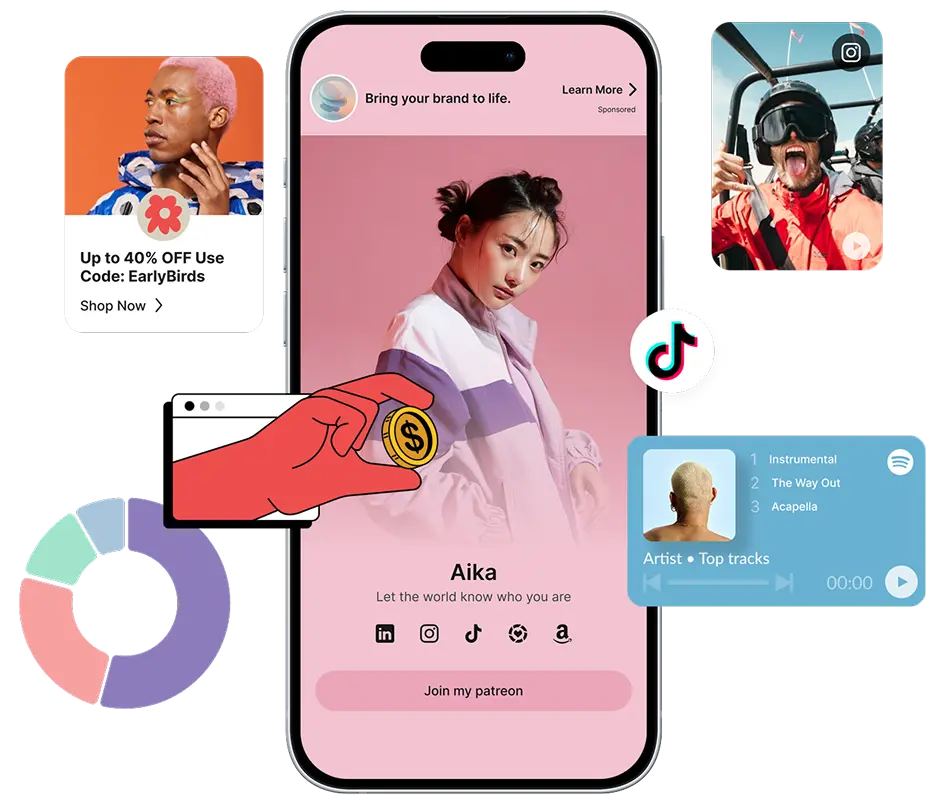
The best part is that it pays. Every time someone opens your Chirp page, it quietly runs audience-matched ads in the background. They are subtle and relevant, and they generate passive income without you adding a sponsor or anything extra. While you share ideas and start threads, your link works behind the scenes.
What to feature on your Chirp page
Your Chirp page works best when it reflects what your audience already wants: products, tools, downloads, or content. You do not need everything you have ever made, just the things that keep your momentum going.
Whatever you include, keep it skimmable. Treat it like a landing page built for someone curious and half-distracted. Clarity wins.
The advantage of Chirp over other link in bio tools
There are plenty of link in bio tools for creators, but most only display links in the same static way. With Chirp you get:
Your X link should match the rest of your profiles so your whole audience lands in one place. Once it is live on X, add it to your other bios too, starting with a link in bio for YouTube.
Set it and let it work
A good thread keeps resurfacing and a smart take keeps getting shared. Once people land on your profile, your link is right there waiting. With Chirp, that one link becomes your assistant: it answers questions before people ask, delivers downloads instantly, and captures traffic while you create. It also earns while you sleep.
So instead of letting attention drop off after a scroll, give it somewhere to go.
Ready to boost your earnings?
Creator, blogger, artist, doesn't matter. Drop your links, share your vibe, and tap into a new revenue stream.
Frequently asked questions
How do I add a website link to my X profile?
Open your profile, click or tap "Edit profile", paste your link into the "Website" field, and save. Your link appears as a clickable link under your bio. Using a Chirp link keeps all your offers behind that one slot.
How do I add a link to my X profile on Twitter?
X and Twitter are the same platform, so the steps are the same. Go to Edit profile, paste your URL into the Website field, and save. The link becomes clickable beneath your bio on both desktop and mobile.
What is the correct X profile link format?
Use a full web address including https, for example https://chirp.me/yourname. X displays it cleanly under your
bio and keeps it clickable even though it may hide the https prefix.
Why is the link in my X bio not clickable?
Links typed into your bio description text are not clickable on X. Only the dedicated "Website" field and links inside posts are tappable. Put your main link in the Website field so people can actually reach it.
Can I have more than one link on my X profile?
X gives you one clickable website link on your profile. To share more than one destination, point that single slot at a Chirp link, which holds all your links, products, and socials on one page.
More to read
Keep Reading
Discover more insights, tips, and stories to help you on your journey. Dive into our curated articles and resources designed to inspire and inform.